Website Speed Optimisation Checklist
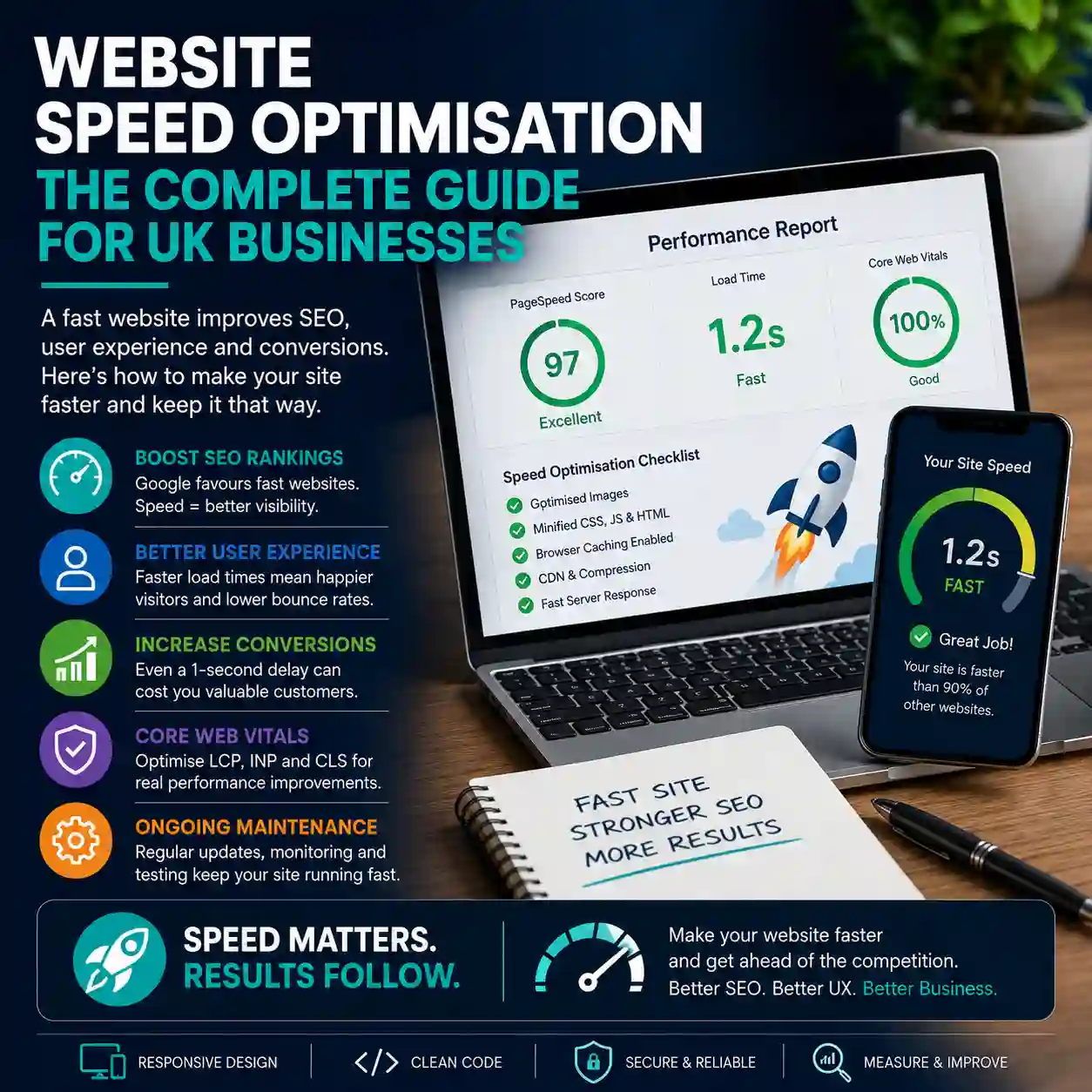
Website speed optimisation is the process of making pages load, respond and settle more quickly for real visitors. This practical checklist explains how UK businesses can identify performance problems, improve Core Web Vitals and prioritise the changes most likely to support user experience, search visibility and enquiries.
What is website speed optimisation?
Website speed optimisation involves improving the technical, design and content elements that affect how quickly a page becomes useful. It includes more than reducing a headline loading time. A fast website should display its main content promptly, respond quickly when someone interacts with it and avoid unexpected movement while loading.
Common performance work includes:
- Reducing image and media file sizes.
- Improving server response and hosting configuration.
- Removing unnecessary JavaScript and CSS.
- Loading essential assets earlier.
- Delaying non-essential third-party scripts.
- Improving browser and server caching.
- Preventing images, adverts and components from shifting the page layout.
- Monitoring real visitor performance after changes are made.
Forwardify’s website page speed optimisation services combine measurement, diagnosis, technical improvements and ongoing monitoring around the needs of each website.
Why website performance matters
Slow pages create friction. A visitor may arrive with a clear need, but hesitate or leave if the page takes too long to display, buttons respond slowly or content jumps while they are trying to read it.
Better performance can support:
- User experience: visitors can reach information and complete actions with less frustration.
- Enquiry journeys: service pages, calls to action and forms feel quicker and easier to use.
- Mobile usability: pages work more effectively on slower connections and less powerful devices.
- Technical SEO: good Core Web Vitals and a strong overall page experience support healthy search foundations.
- Accessibility: efficient pages can be easier to operate on older devices, limited connections and assistive technology.
- Commercial confidence: a responsive website generally feels more professional and dependable.
Speed is not a substitute for useful content, clear services or a persuasive offer. It helps those elements work without unnecessary technical barriers.
Understand the three Core Web Vitals
Core Web Vitals measure three important parts of the real-world page experience. They help identify whether a page loads promptly, responds smoothly and remains visually stable.
- Largest Contentful Paint: LCP measures how quickly the main visible content is displayed. A good target is 2.5 seconds or less.
- Interaction to Next Paint: INP measures how quickly a page responds to user interactions. A good target is 200 milliseconds or less.
- Cumulative Layout Shift: CLS measures unexpected visual movement. A good score is 0.1 or less.
These figures should be treated as useful performance targets rather than a complete business strategy. A page can achieve strong technical scores and still underperform if its content, navigation, offer or enquiry journey is weak.
Lab tests and real-user data are not the same
Speed-testing tools can show two different types of information. Understanding the difference helps prevent unnecessary or misdirected optimisation work.
- Lab data: a controlled simulation that helps diagnose specific technical problems.
- Field data: performance recorded from real visitors using different devices, networks and locations.
A laboratory test is valuable for finding render-blocking scripts, oversized images or long JavaScript tasks. Field data shows whether real users are actually experiencing poor loading, responsiveness or stability.
Use both. Lab data helps explain what may be wrong, while real-user information helps establish whether the issue is affecting genuine visitors.
Website speed optimisation checklist
Work through the following checklist in order. Fixing the largest verified bottlenecks is usually more valuable than making numerous small changes simply to chase a perfect tool score.
- Measure representative pages on mobile and desktop.
- Review real-user Core Web Vitals where enough data exists.
- Check server response and hosting performance.
- Identify the page’s main LCP element.
- Compress and resize images appropriately.
- Remove unnecessary CSS and JavaScript.
- Reduce long-running browser tasks.
- Prevent unexpected layout shifts.
- Optimise fonts and third-party scripts.
- Configure caching and compression.
- Test forms, menus and calls to action after changes.
- Monitor performance as the website evolves.
1. Test the pages that matter commercially
Do not test only the homepage. A website uses different templates, assets and functionality across service pages, articles, landing pages, forms and ecommerce journeys.
Create a representative testing list that includes:
- The homepage.
- A main service page.
- A detailed blog article.
- A location or campaign landing page.
- The contact or quotation page.
- A product, category or checkout page where relevant.
- Any page that receives substantial organic or paid traffic.
Record the starting position before making changes. This gives you a reliable benchmark and helps demonstrate whether the work produced a meaningful improvement.
2. Check hosting and server response
The browser cannot display a page until the server begins returning useful information. A slow server, overloaded hosting plan, distant data centre or inefficient application can delay every other stage of the loading process.
Review:
- Server response time.
- Hosting resource limits.
- Application and database performance.
- Geographic server location.
- Full-page and application caching.
- Compression settings.
- Redirects that delay the initial request.
- Plugin, module or framework overhead.
Forwardify’s website hosting services can connect hosting, SSL, monitoring, backups and performance-focused configuration into a more joined-up technical foundation.
3. Identify and improve the LCP element
The Largest Contentful Paint element is often a hero image, prominent heading, banner or large content block near the top of the page. Improving it can make the page feel substantially faster.
Check whether the LCP asset:
- Is discoverable directly from the initial HTML.
- Starts loading early.
- Is unnecessarily lazy-loaded.
- Uses an appropriately sized file.
- Is delayed by CSS or JavaScript.
- Depends on a slow third-party server.
- Is hidden behind an animation or loading screen.
Do not automatically lazy-load the main above-the-fold image. Lazy loading is useful for media further down the page, but it can delay the most important visual asset if applied indiscriminately.
4. Optimise images properly
Images are one of the most common causes of avoidable page weight. A high-resolution photograph may be several times larger than the space in which it is displayed.
For each important image:
- Resize it to suit the largest realistic display size.
- Compress it without introducing unacceptable visual damage.
- Use a suitable modern format where browser support and workflow allow.
- Provide responsive variants for different screen widths.
- Lazy-load images below the initial viewport.
- Specify image width and height to reserve layout space.
- Remove obsolete image files that are still being requested.
Image optimisation should preserve quality where it matters. Large portfolio images may need more detail than a small decorative thumbnail, so one compression setting should not be applied blindly across the entire site.
5. Reduce unnecessary CSS
Stylesheets can delay rendering if the browser must download and process large amounts of CSS before showing useful content. This often happens when a template or framework includes components the website never uses.
Possible improvements include:
- Removing obsolete styles and duplicate rules.
- Loading only the CSS required by each template.
- Minifying production stylesheets.
- Separating essential above-the-fold styles from less urgent rules.
- Reducing excessive framework customisation and overrides.
- Avoiding multiple libraries that solve the same design problem.
Changes should be tested across every relevant template and screen size. Removing CSS without proper regression testing can create subtle layout and responsive design problems.
6. Review JavaScript and interaction performance
JavaScript can affect both loading speed and INP. Large bundles, repeated event handlers, complex components and third-party scripts can keep the browser busy when a visitor tries to open a menu, use a filter or submit a form.
Review whether scripts can be:
- Removed because the feature is no longer used.
- Loaded only on pages that need them.
- Deferred until essential content has rendered.
- Split into smaller, more focused files.
- Replaced with simpler native browser functionality.
- Refactored to reduce long-running tasks.
- Delayed until the visitor actively requests the feature.
Be especially careful with chat widgets, tracking platforms, social embeds, animation libraries, consent tools and marketing scripts. Individually they may appear small, but collectively they can create substantial processing and network overhead.
7. Prevent layout shifts
Layout shifts happen when visible content moves unexpectedly. A visitor may try to click a button, only for an image, advert, banner or font change to push it elsewhere.
To improve CLS:
- Set explicit dimensions or aspect ratios for images and videos.
- Reserve space for banners, embeds and dynamic components.
- Avoid inserting new content above content already displayed.
- Load fonts in a way that reduces dramatic text reflow.
- Use animations based on transforms rather than layout-changing properties.
- Test cookie and consent banners carefully on mobile.
Visual stability is particularly important around forms, menus, quote buttons and other conversion elements where an unexpected movement can cause a mistaken action.
8. Optimise web fonts
Custom fonts can strengthen a brand, but too many font files, weights and styles can slow rendering. Fonts loaded from third-party domains may also introduce extra connection delays.
Consider:
- Using only the font weights and styles the website actually needs.
- Subsetting fonts where appropriate.
- Preloading the most important font file.
- Using sensible fallback fonts.
- Hosting font files locally where licensing permits.
- Removing old font libraries after a redesign.
A restrained font system often improves consistency as well as performance.
9. Audit third-party scripts
Third-party tools are often added gradually. A website may eventually load analytics, advertising tags, live chat, heatmaps, videos, social feeds, review widgets and several marketing platforms before displaying its own content.
For every third-party script, ask:
- Is the tool still used?
- Does it produce valuable data or enquiries?
- Does it need to load on every page?
- Can it wait until consent or user interaction?
- Is a lighter implementation available?
- Are multiple tools collecting similar information?
Removing one unnecessary third-party service can sometimes deliver a larger improvement than spending hours minifying already efficient first-party code.
10. Configure caching and compression
Caching allows browsers and servers to reuse resources instead of recreating or downloading them on every visit. Compression reduces the amount of data transferred.
Review:
- Browser cache durations for static assets.
- Server-side page or fragment caching.
- Content delivery network configuration where useful.
- Text compression for HTML, CSS, JavaScript and data files.
- Cache invalidation when files change.
- Whether personalised pages should be excluded from full-page caching.
Incorrect caching can serve outdated content or interfere with logged-in functionality, so configuration should reflect how the website actually works.
11. Prioritise mobile performance
A website may feel fast on a developer’s desktop computer and much slower on a mid-range phone using a mobile connection. Mobile testing should therefore be central to the optimisation process.
Check:
- Responsive image sizes.
- Mobile navigation and menu responsiveness.
- Sticky bars and consent interfaces.
- Form interaction and validation.
- Tap response and long JavaScript tasks.
- Mobile-specific embeds or widgets.
- Whether large desktop assets are unnecessarily downloaded on smaller screens.
Do not remove essential information from mobile users simply to improve a score. The aim is to deliver the same useful journey more efficiently.
12. Review the CMS, database and application
Some websites are slow because of their application architecture rather than their front-end files. This can affect content management systems, ecommerce platforms, custom MVC websites and database-driven applications.
Potential issues include:
- Slow database queries.
- Too many application requests.
- Repeated calls to external APIs.
- Unused plugins or extensions.
- Large sessions or inefficient authentication checks.
- Unoptimised search, filtering or reporting features.
- Old framework or platform code.
Forwardify’s website development services can support front-end improvements, custom back-end requirements, ASP.NET MVC work, integrations and performance-conscious development.
13. Test conversion journeys after every major change
A faster website is not an improvement if an optimisation breaks an enquiry form, payment journey, menu or tracking event. Performance work should be followed by functional testing.
Test:
- Contact and quotation forms.
- Phone, email and messaging links.
- Navigation and dropdown menus.
- Consent controls.
- Booking and payment journeys.
- Analytics and conversion events.
- Responsive layouts.
- Browser and device compatibility.
Speed and conversion should work together. Forwardify’s conversion rate optimisation services focus on page journeys, forms, calls to action, mobile usability and measurable enquiry improvements.
14. Avoid chasing a perfect score
A tool score is useful, but it is not the same as business performance. Reaching 100 in a laboratory test may require compromises that provide little benefit to real users.
Prioritise changes that:
- Improve real-user Core Web Vitals.
- Make key service and landing pages feel quicker.
- Reduce delays around forms and navigation.
- Remove unnecessary technical risk.
- Support mobile visitors.
- Can be maintained after implementation.
Use scores to diagnose and monitor performance, not as the only definition of success.
15. Keep the website fast after optimisation
Website performance can deteriorate gradually. New images, plugins, scripts, campaigns and design changes can undo earlier improvements.
Create an ongoing process that includes:
- Compressing new images before upload.
- Reviewing scripts and integrations regularly.
- Testing important templates after platform updates.
- Monitoring Core Web Vitals and uptime.
- Checking new landing pages before campaigns begin.
- Removing expired campaign tools and embeds.
- Retesting after design or content changes.
Forwardify’s website maintenance services can include regular checks, updates, content changes, performance improvements and practical technical support.
When optimisation is not enough
Some websites can be improved through targeted technical work. Others are limited by an outdated template, excessive platform overhead, poor architecture or years of accumulated patches.
A wider rebuild may be more efficient when:
- Every page loads large unused libraries.
- The website cannot be updated safely.
- Mobile layouts require extensive repair.
- The CMS or framework is obsolete.
- Performance problems are combined with weak content and navigation.
- Search structure and conversion journeys also need substantial change.
Forwardify’s website rebuild services combine design, development, SEO preservation, content structure, redirects, performance and launch testing where targeted fixes are no longer enough.
A practical website speed improvement plan
For most small and medium-sized business websites, the most useful approach is to prioritise performance work in phases.
- Phase one — measure: establish current lab and real-user performance across representative pages.
- Phase two — remove waste: eliminate unused scripts, oversized media and obsolete functionality.
- Phase three — improve delivery: optimise hosting, caching, compression, images, fonts, CSS and JavaScript.
- Phase four — protect conversions: test forms, navigation, analytics and mobile journeys.
- Phase five — monitor: review Core Web Vitals and repeat tests after significant website changes.
This creates a maintainable performance process rather than a one-off attempt to improve a score.
FAQs: Website Speed Optimisation
Website speed optimisation is the process of improving how quickly pages load, respond to interactions and become visually stable. It can include work on hosting, images, CSS, JavaScript, fonts, caching, databases and third-party scripts.
The current Core Web Vitals are Largest Contentful Paint for loading performance, Interaction to Next Paint for responsiveness and Cumulative Layout Shift for visual stability.
Core Web Vitals are used within Google’s ranking systems, and good performance supports a stronger overall page experience. However, speed alone does not guarantee rankings. Relevance, content quality, authority, structure and other SEO factors still matter.
A laboratory test uses a controlled simulation, while real visitors use different devices, networks, browsers and locations. Use both lab diagnostics and real-user field data to understand actual performance.
Yes. Many existing websites can be improved by optimising images, scripts, stylesheets, fonts, caching, hosting and application code. The achievable improvement depends on the platform and its current technical condition.
A rebuild may be more appropriate when poor performance is caused by an obsolete platform, bloated templates, widespread mobile problems, weak architecture or extensive technical debt that cannot be repaired economically.
Is your website slower than it should be?
Forwardify can review your website’s Core Web Vitals, images, scripts, caching, hosting and templates, then prioritise the improvements most likely to support users, SEO and enquiries.

Thomas Carpenter
FounderWorking closely with clients to create visually compelling, strategic solutions built for long-term growth is what we do.
Contact us Whatsapp